See a change
get settled.
Four real Cylentware pages. One saved headline change. A preview before publishing.
What we moved
We backed up the original files and copied the homepage, About, Services and FAQ text into SiteSnug’s supported layout. This is our own working pilot, with selected pages rather than a complete copy of the original design or its contact form.
The primary Cylentware website stays on its existing domain. The pilot runs on Cloudflare Pages with HTTPS. Your migration scope, layout and any special features are agreed before work begins.
Edit your draft
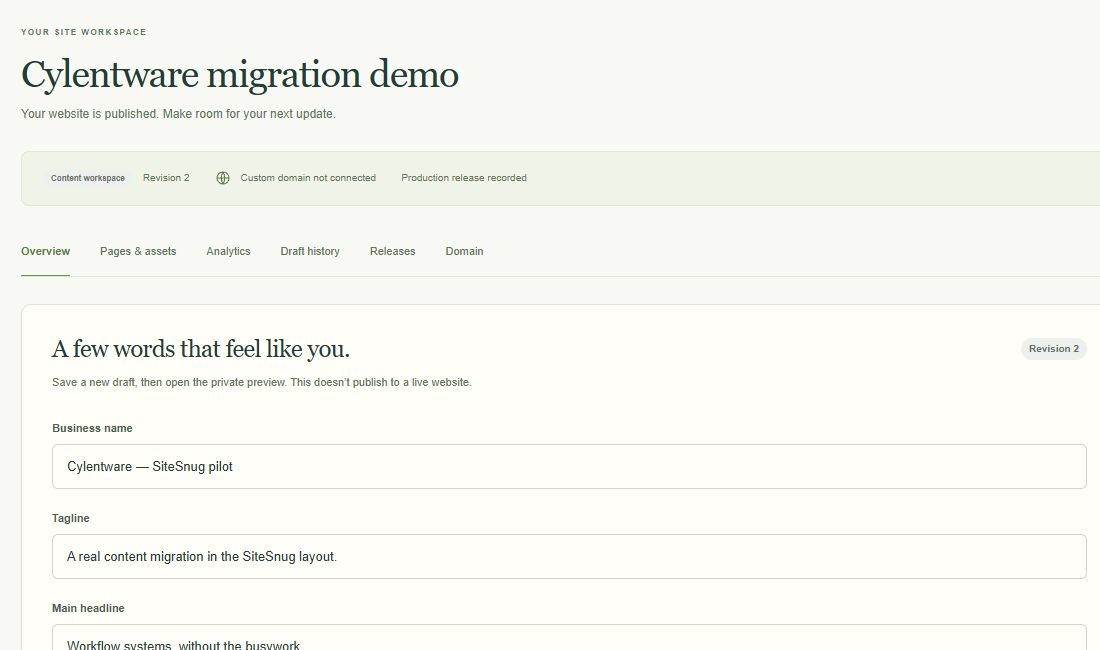
We changed the pilot’s headline in the dashboard and saved revision 2. The published website still showed revision 1.
Review the exact release
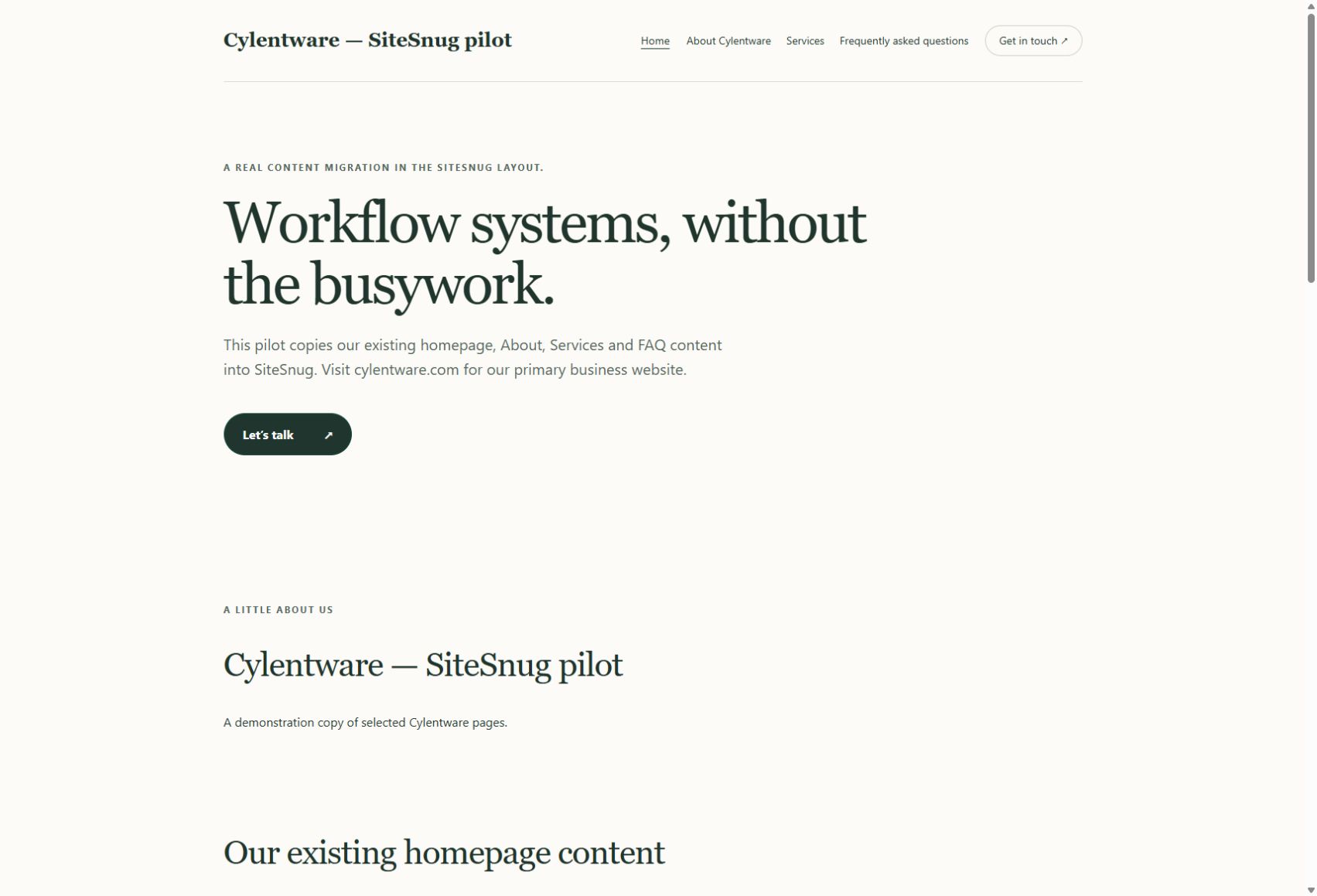
We prepared a fixed release and opened its private preview. This is the headline and content that would be published.
Choose when it goes live
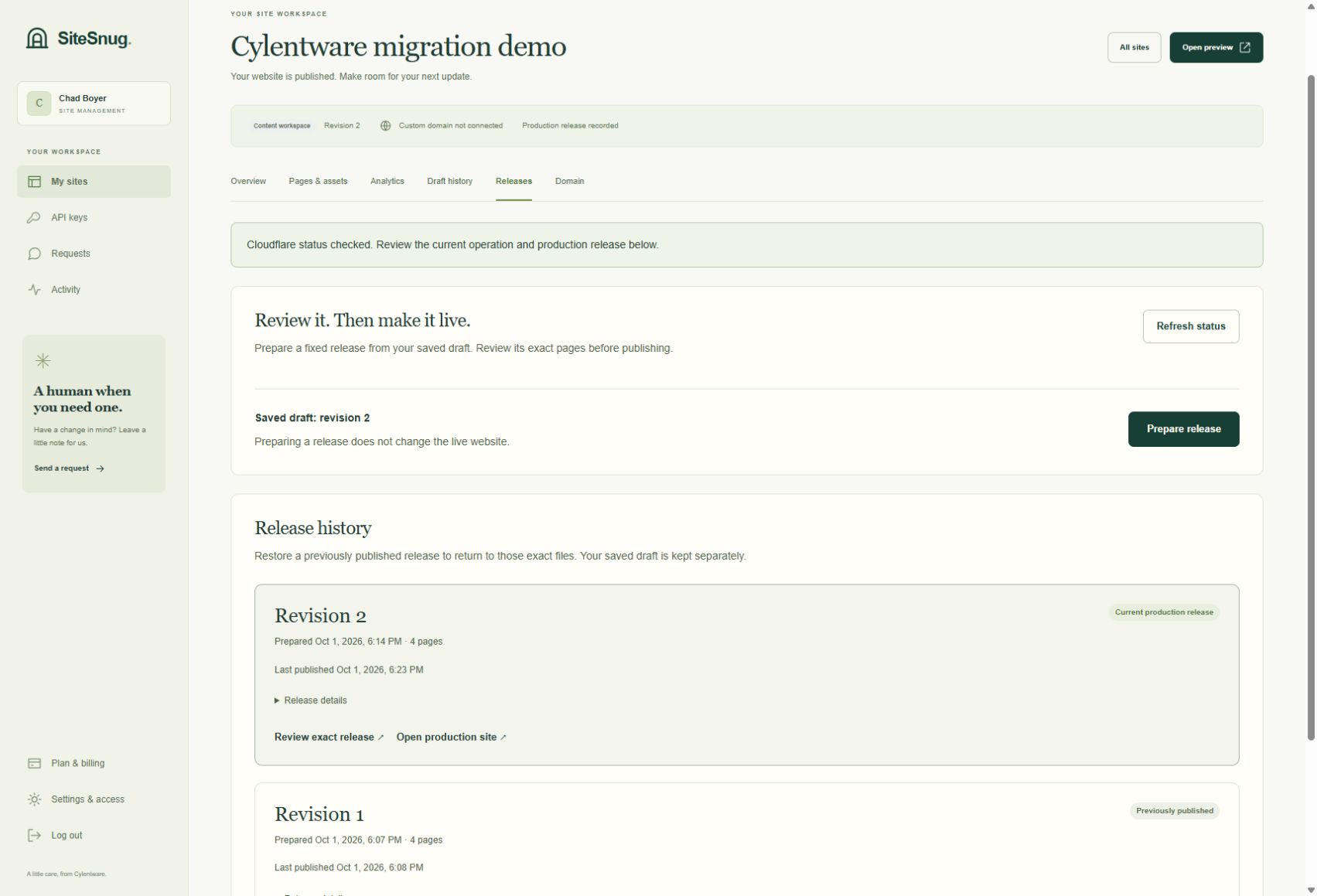
After reviewing the release, we confirmed publication. Revision 2 became the production release; revision 1 remains in the release history.
Bring your AI, keep your final say
This walkthrough uses the dashboard. A compatible AI tool can also read and update supported content through a site-specific API key, then prepare a release. Give it an edit key and keep publishing in your dashboard.
Follow the connection guide →